
What to Expect at Your First Telemedicine Visit

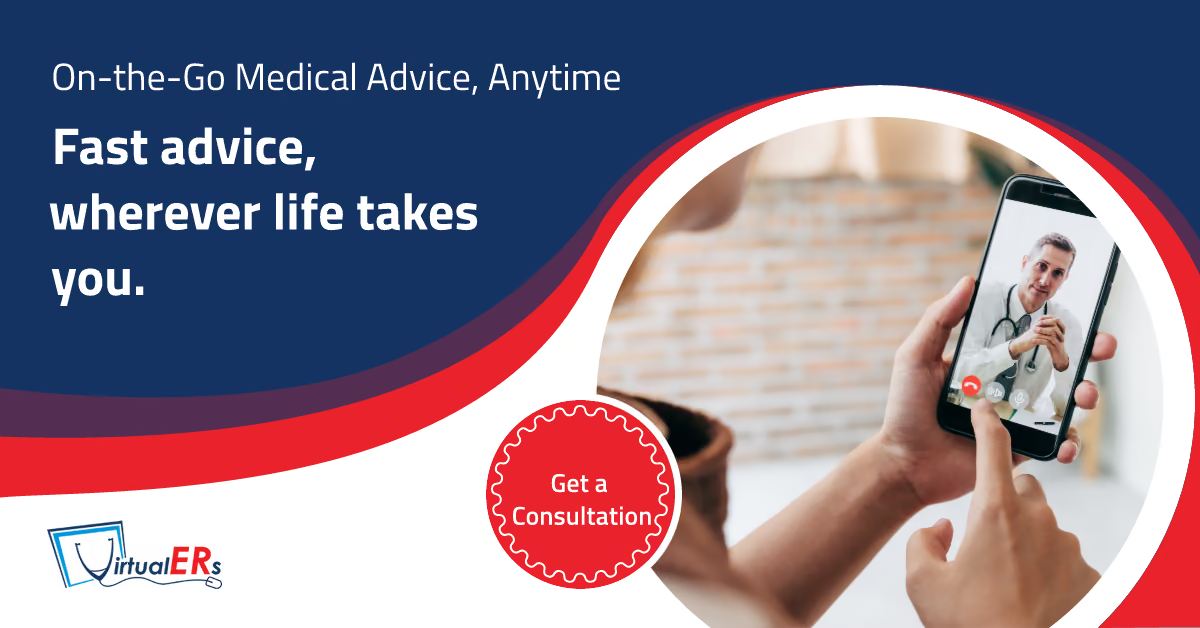
See a board-certified ER physician or NP by video — 24/7. · Browse All Condition Guides →
What Happens During a Telemedicine Visit?
During a telemedicine visit with Virtual ER, you connect with a board-certified physician via live video on your phone or computer. The doctor asks about your symptoms, reviews your medical history, may ask you to show affected areas on camera, provides a diagnosis, and creates a treatment plan — including prescriptions sent electronically to your pharmacy. The entire visit typically takes 10 to 20 minutes, and you do it from wherever you are.
Before Your Visit: How to Prepare
A little preparation helps your telemedicine visit go smoothly and ensures your doctor has everything needed to evaluate you thoroughly.
Technology Setup
- Device — Any smartphone, tablet, or computer with a camera and microphone. No special equipment needed.
- Internet connection — A stable Wi-Fi or cellular data connection. If your connection is weak, move closer to your router or switch to cellular data.
- Browser — The visit runs in your web browser. No app download is required.
- Quiet, well-lit space — Find somewhere private with good lighting so your doctor can see you clearly. This is especially important for skin conditions or insect bites that need visual assessment.
Information to Have Ready
- Your symptoms — When they started, what makes them better or worse, and how they have changed.
- Current medications — Names, doses, and how long you have been taking them. Having the bottles nearby helps.
- Allergies — Medication allergies and reactions.
- Medical history — Major conditions, surgeries, or hospitalizations.
- Pharmacy preference — Know which pharmacy you want prescriptions sent to (name and location).
- Insurance card — If you have insurance, have your card accessible. Virtual ER accepts many major plans.
If Your Visit Involves a Visual Symptom
For rashes, bites, swelling, eye conditions, or wounds:
- Take a photo before the visit as a backup
- Make sure the area is accessible and well-lit for the camera
- If tracking changes (such as redness spreading around an insect bite), bring any photos or notes from earlier
Step by Step: Your First Visit
Step 1: Start the Visit
Go to the Virtual ER website and tap “Start a Telemedicine Visit.” You will be directed to our booking platform powered by Solv Health. Learn more about the full process on our how it works page.
Step 2: Enter Your Information
You provide:
- Name and date of birth
- Contact information
- Brief description of why you are seeking care
- Insurance information (if applicable)
This intake step takes about 2 minutes.
Step 3: Connect with Your Doctor
A board-certified physician joins the video call. This is a real doctor — our physicians hold board certifications in emergency medicine, family medicine, internal medicine, pediatrics, psychiatry, and other specialties. They are the same doctors who treat patients at our physical ER in Bellaire, TX.
Step 4: The Medical Evaluation
Your doctor conducts a thorough evaluation:
- Asks about your symptoms — Onset, duration, severity, what you have tried so far.
- Reviews your history — Medications, allergies, past medical conditions.
- Visual assessment — For skin conditions, eye issues, or visible symptoms, the doctor asks you to show the affected area on camera.
- Guided examination — The doctor may ask you to press on certain areas, move a joint, check your throat, or perform other simple self-examination steps.
- Questions — Your doctor answers your questions and explains their assessment in plain language.
Step 5: Diagnosis and Treatment Plan
Based on the evaluation, your doctor:
- Explains the diagnosis
- Describes the treatment plan
- Sends any prescriptions electronically to your chosen pharmacy
- Provides home care instructions
- Tells you what to watch for and when to follow up
Step 6: After the Visit
- Pick up prescriptions — Most prescriptions are ready at your pharmacy within the hour.
- Follow care instructions — Your doctor provides clear guidance on medication use, activity, and recovery.
- Follow up if needed — If symptoms do not improve, Virtual ER is available for follow-up care. Your doctor tells you exactly when and under what circumstances to return.
What Conditions Are Treated via Telemedicine
Virtual ER treats over 57 conditions via telemedicine, including:
- Cold, flu, and respiratory infections
- Urinary tract infections
- Allergies and sinus issues
- Headaches and migraines
- Digestive issues — nausea, acid reflux, diarrhea
- Back pain
- Bronchitis and asthma symptoms
- Ear infections
- Skin conditions — rashes, eczema, acne
- Mental health — anxiety, depression
- Medication refills
- COVID-19 evaluation and treatment
- Minor injuries — sprains and strains
- Pediatric care for children
Common Concerns About First-Time Telemedicine
“Will the doctor take me seriously?”
Yes. Our physicians provide the same thorough evaluation via video that they provide in person. They ask detailed questions, take time to listen, and create individualized treatment plans. If they determine your condition needs in-person care, they tell you directly and help arrange it.
“What if my condition needs in-person care?”
Virtual ER is backed by a physical emergency room at 5306 Bellaire Blvd, Bellaire TX 77401. If your doctor determines you need imaging, lab work, or hands-on treatment, they can seamlessly escalate you to our ER with your records already shared. You do not start over.
“Is it secure?”
Yes. Virtual ER uses a HIPAA-compliant platform. Your visit, medical information, and personal data are protected with the same security standards as any medical provider.
“What if the technology does not work?”
If you experience connection issues, try switching from Wi-Fi to cellular data (or vice versa), closing other apps, or moving to an area with better signal. If video fails, your physician can continue via phone in most cases.
Frequently Asked Questions
How much does a first telemedicine visit cost?
Cost depends on your insurance plan. Virtual ER accepts many major insurers, and telemedicine copays are typically lower than ER copays. Self-pay options are available. Call 1-855-FIND-VER for pricing details.
Can I use telemedicine for my child’s first visit?
Yes. Virtual ER can treat children via telemedicine with a parent or guardian present. Our team includes a board-certified pediatrician.
Do I need to be in Texas for a Virtual ER telemedicine visit?
Virtual ER primarily serves patients in Texas, where our physicians are licensed. If you are located in another state, availability may vary. Contact us to confirm.
How long do I wait before the doctor connects?
Wait times vary but are typically short. Because Virtual ER operates 24/7 with dedicated telemedicine physicians, most patients connect with a clinician promptly after completing their intake information.
Medically reviewed by Dr. Mario Quintanilla, MD — Chief Medical Director, Bellaire ER. Last reviewed: July 2026.
ContentsClose
Need care now?
Board-certified ER physicians & NPs by video, 24/7. No appointment needed.
Start a VisitCall 1-855-FIND-VER